
Flask Authentication System (Free Version) - Kritim Yantra
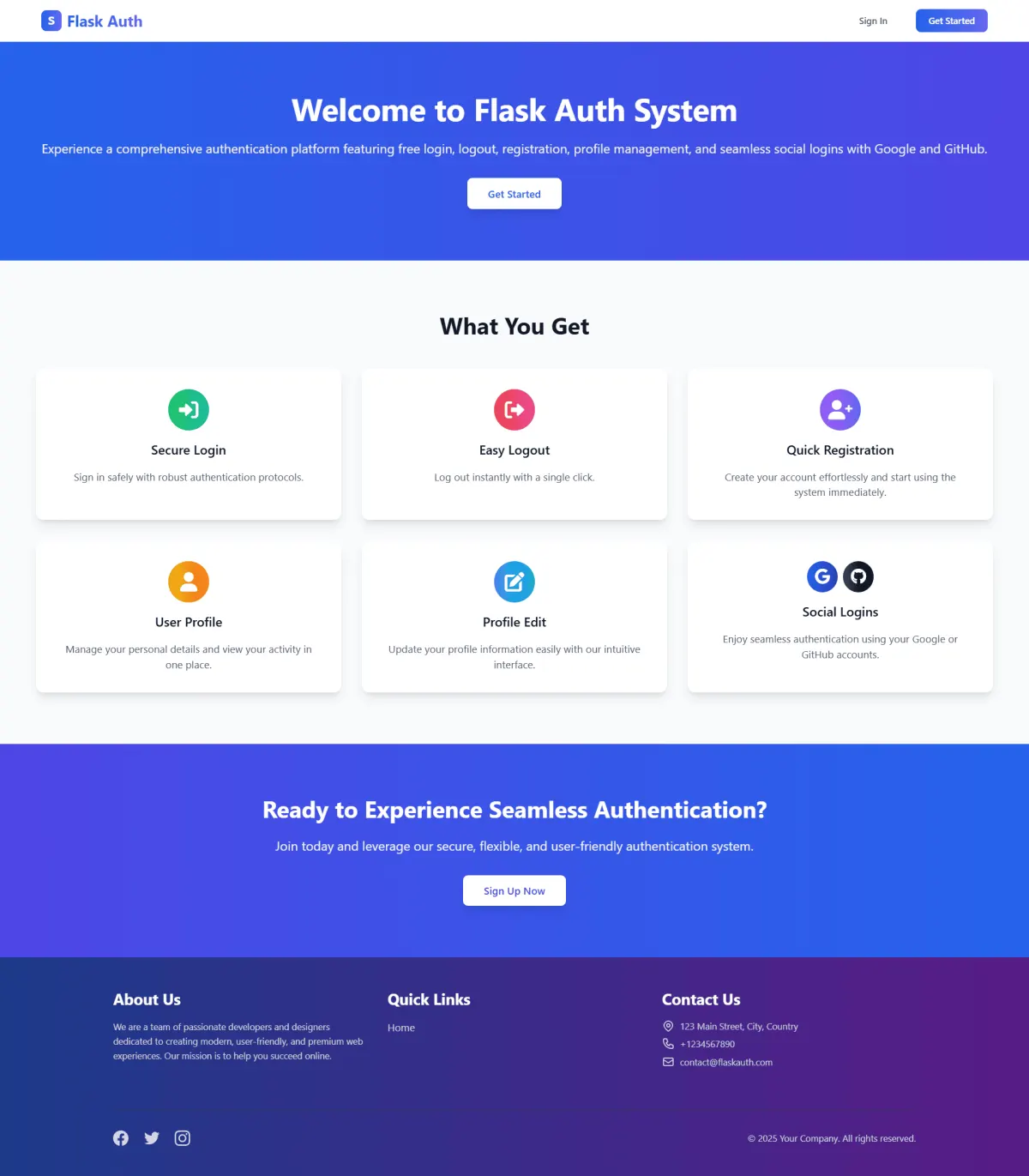
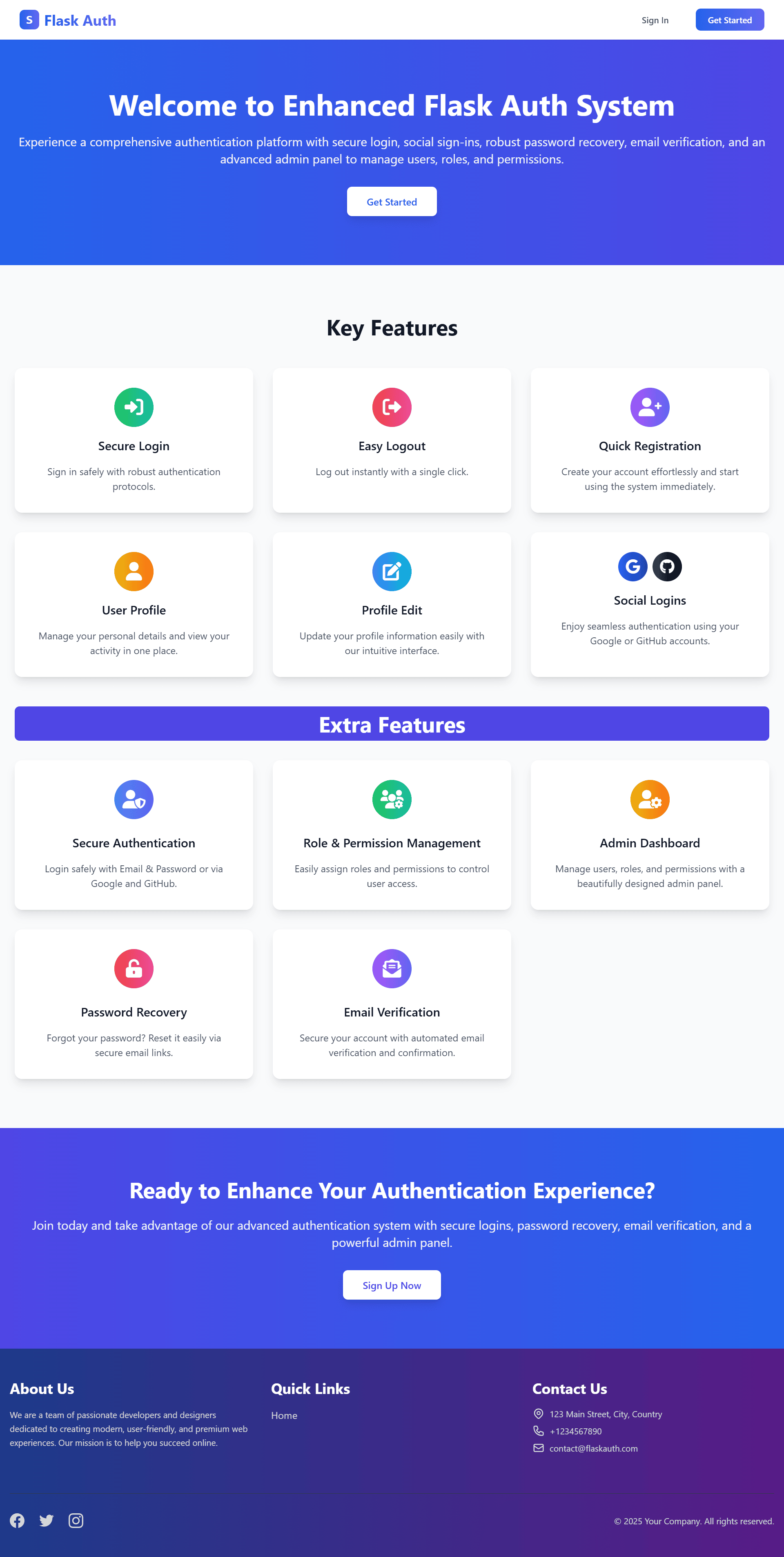
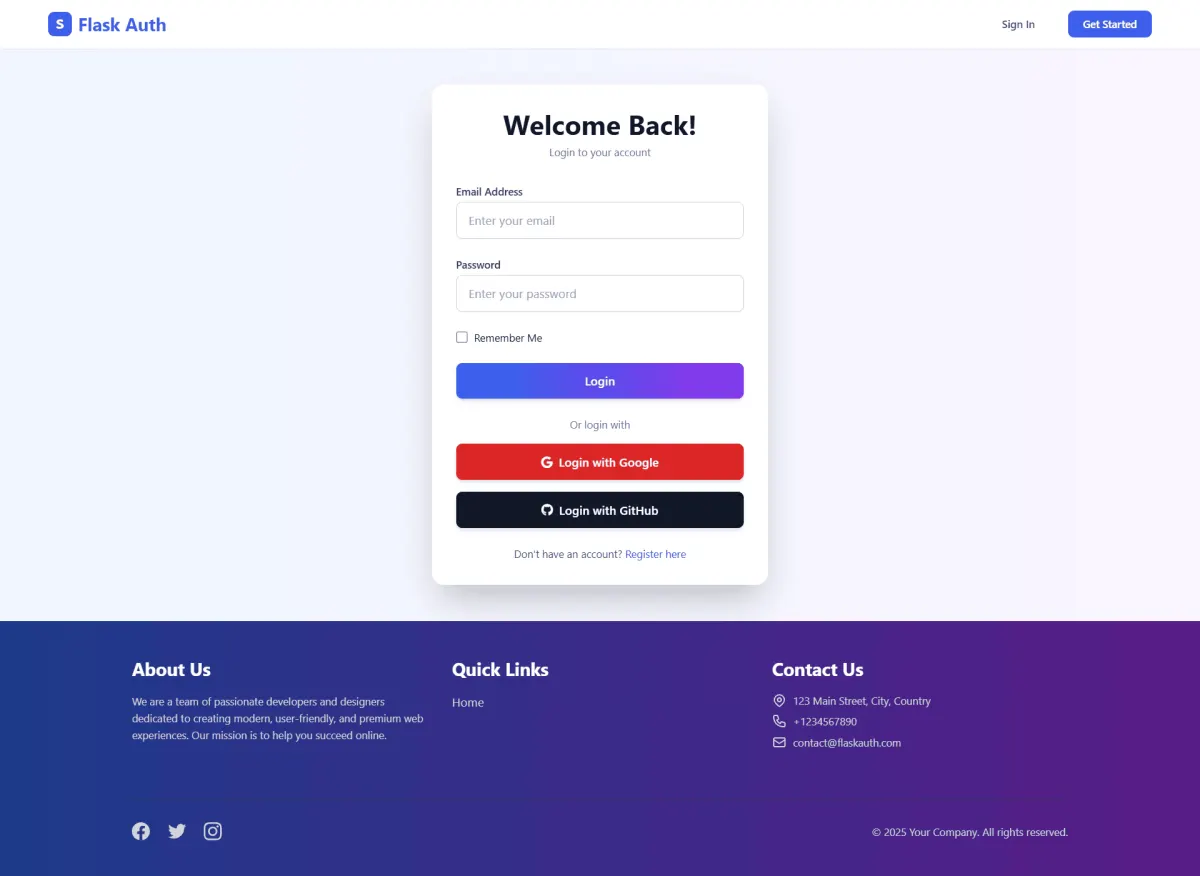
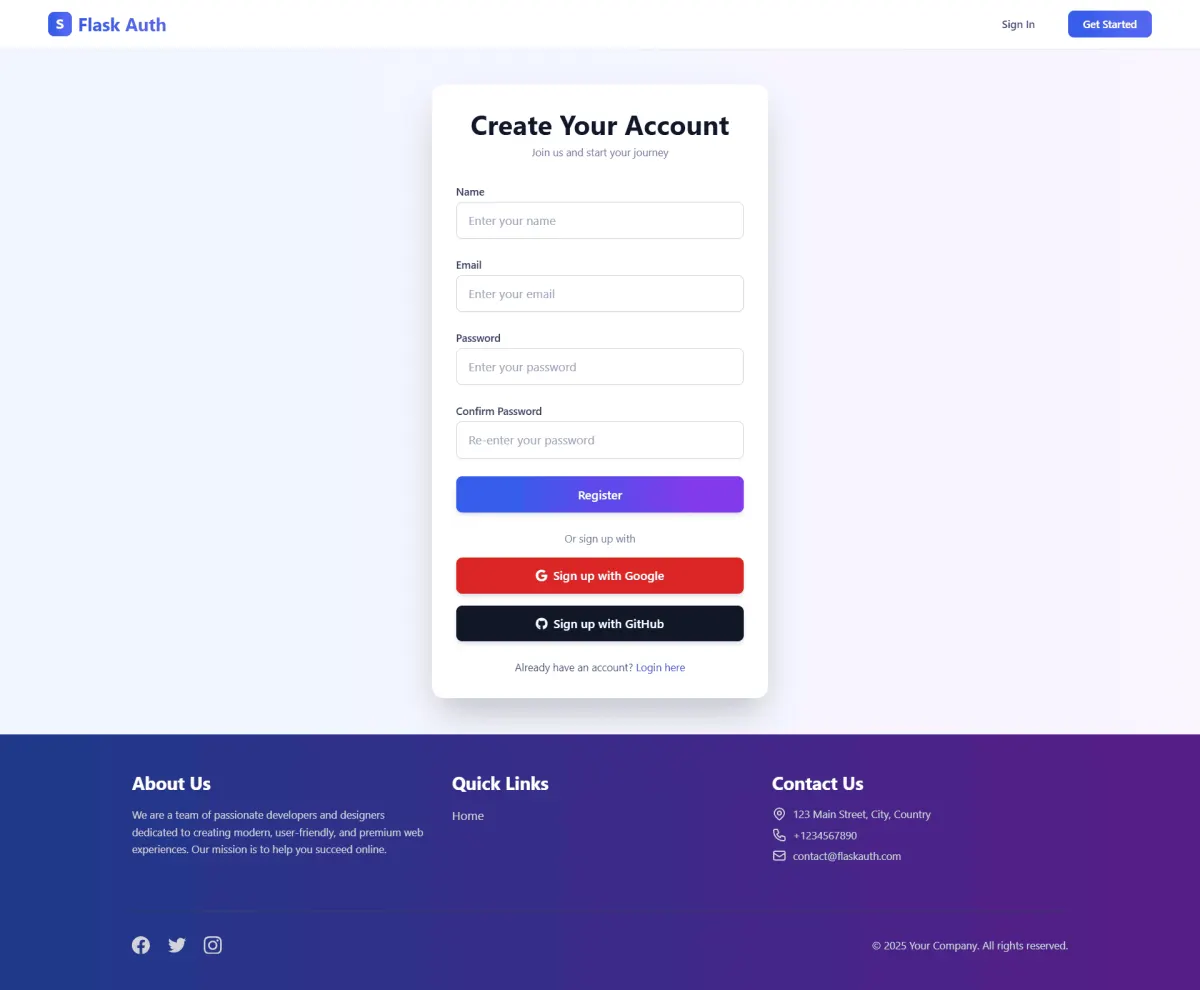
🛠 Features✔ Google & GitHub Authentication✔ User Registration & Login✔ Profile/Dashboard Access✔ Secure & Minimalistic Design✔ Easy Deployment🛠 Technical Details🔹 Framework...
Take a closer look.
Open any screenshot at full size and browse using the arrows.
Project overview
- ✔ Google & GitHub Authentication
- ✔ User Registration & Login
- ✔ Profile/Dashboard Access
- ✔ Secure & Minimalistic Design
- ✔ Easy Deployment
- 🔹 Framework: Flask
- 🔹 Authentication: OAuth (Google & GitHub)
- 🔹 Session Management: Flask-Login
- 🔹 Database: SQLite (Can be modified for other databases)
1️⃣ Download and Extract
cd flask-auth-system2️⃣ Create a Virtual Environment
python -m venv venv
source venv/bin/activate   # On macOS/Linux
venv\Scripts\activate      # On Windows
3️⃣ Install Dependencies
pip install -r requirements.txt4️⃣ Run the Application
flask run # or python run.pyChoose how you want to use it
What's included
Python, HTML, CSS, JavaScript
Technical specifications
Frameworks and versions
Flask
Browser compatibility
Google Chrome, Mozilla Firefox, Brave, Microsoft Edge, Safari, Opera
Current version
Python 3.8+
Last updated
Customer Ratings & Reviews
No reviews on this page. Return to the first page.
Sign in to review a project you purchased or downloaded.
Let's Make This Software Work for Your Business.
Tell us what you need for Flask Authentication System (Free Version) - Kritim Yantra.
NGINX Security Vulnerability 2026: Impact, Risks and Fixes
The Latest NGINX Security Vulnerability: What Happened, Who Is at Risk and How to Fix It 19 November 2026 | Cybersecurity | Technology...

How Developers Should Upgrade Their Skills for 2027 in the Age of AI
The future of software development isn't about writing code faster. It's about becoming an engineer who can build more, think better, a...
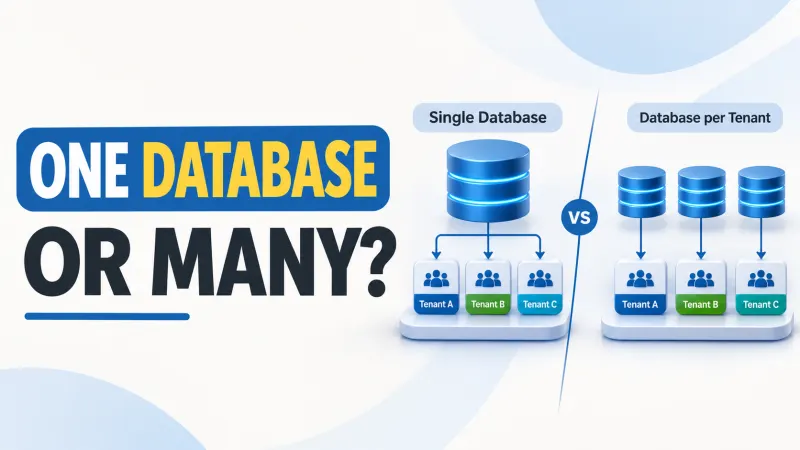
Laravel Multi-Tenant Database: Shared vs Separate
Single Database vs Database per Tenant in Laravel: What SaaS Founders Need to Know The database model you choose today can shape tomorr...
 Web Development
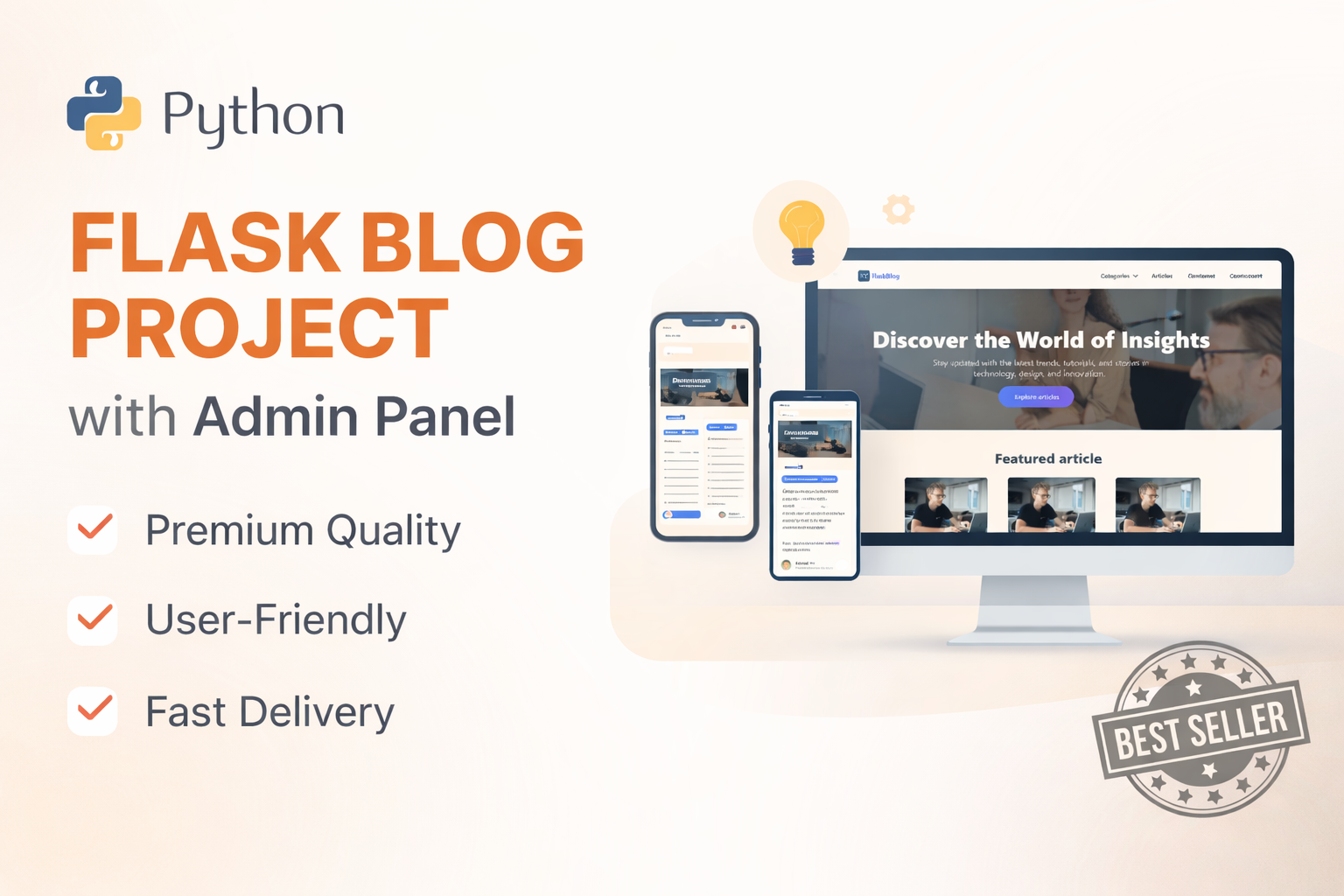
Flask Blog CMS with Admin Dashboard — Python Source Code
4.7 out of 5 3 reviewsA Flask-based blogging website with a built-in admin dashboard. Manage articles, images, categories, tags and featured p...
 Web Development
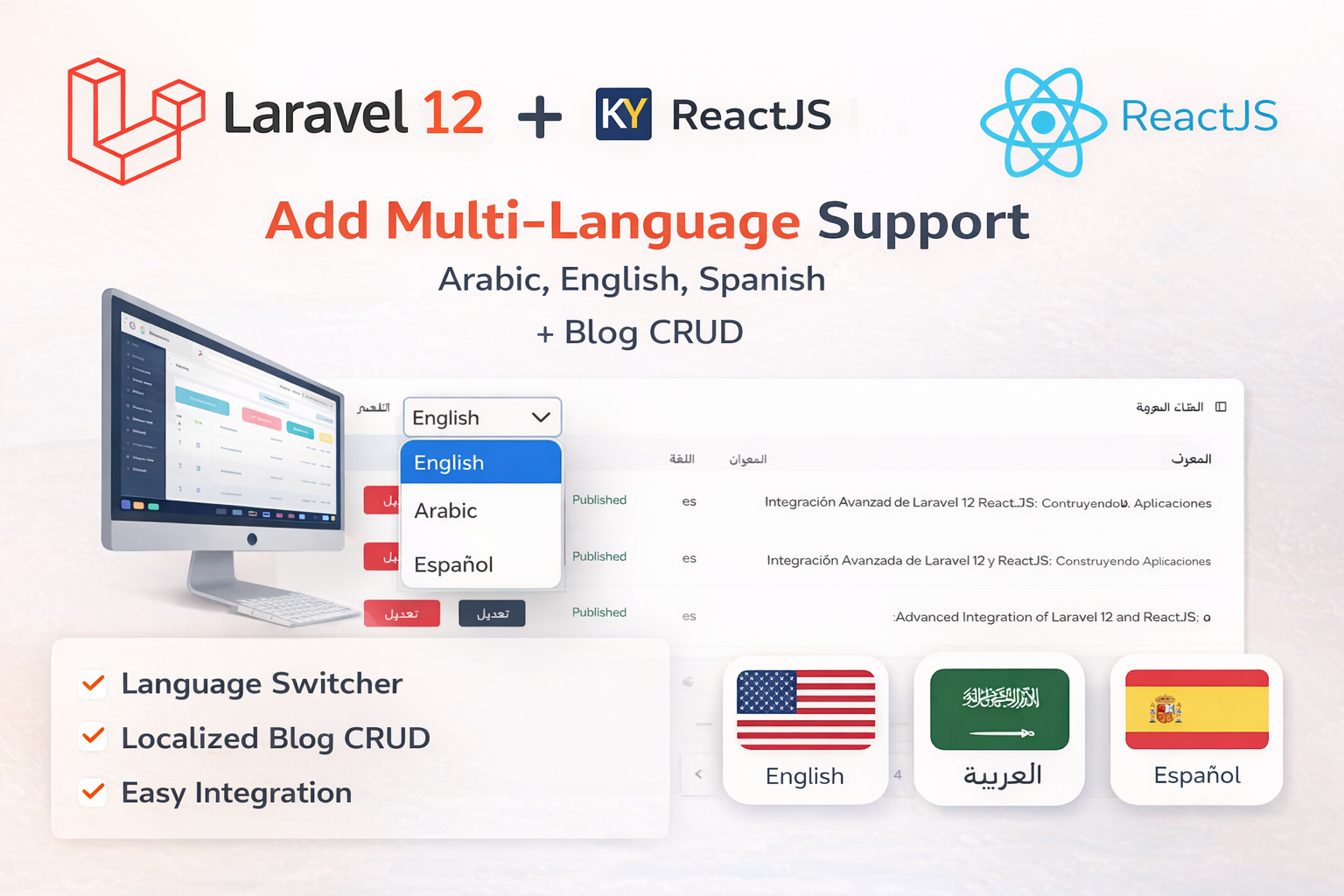
Laravel 12 + ReactJS Starter Kit: Add Multi-Language Support (Arabic, English, Spanish) with Blog CRUD
4.5 out of 5 8 reviews🚀 Installation & Setup Download & Extract Get the ZIP from kritimyantra.com and extract it. Includes preconfigu...
 Web Development
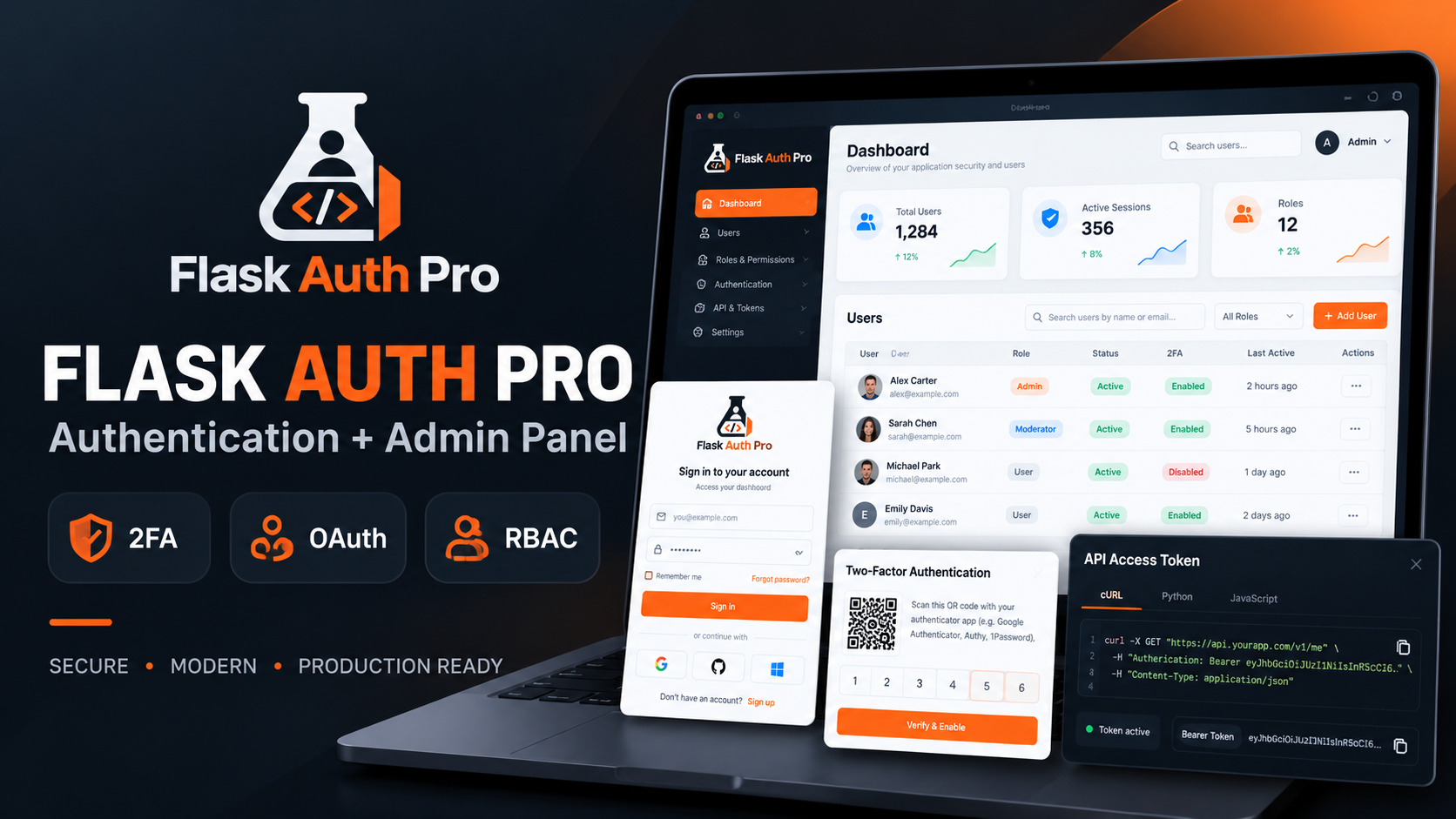
Flask Authentication System with Admin Panel - Kritim Yantra
5.0 out of 5 2 reviewsFlask Auth Pro with Admin PanelA complete Flask authentication and user management system built for developers who want...