Laravel 12 AI SDK: Build Real AI Features with Code

Kritim Yantra
Feb 06, 2026
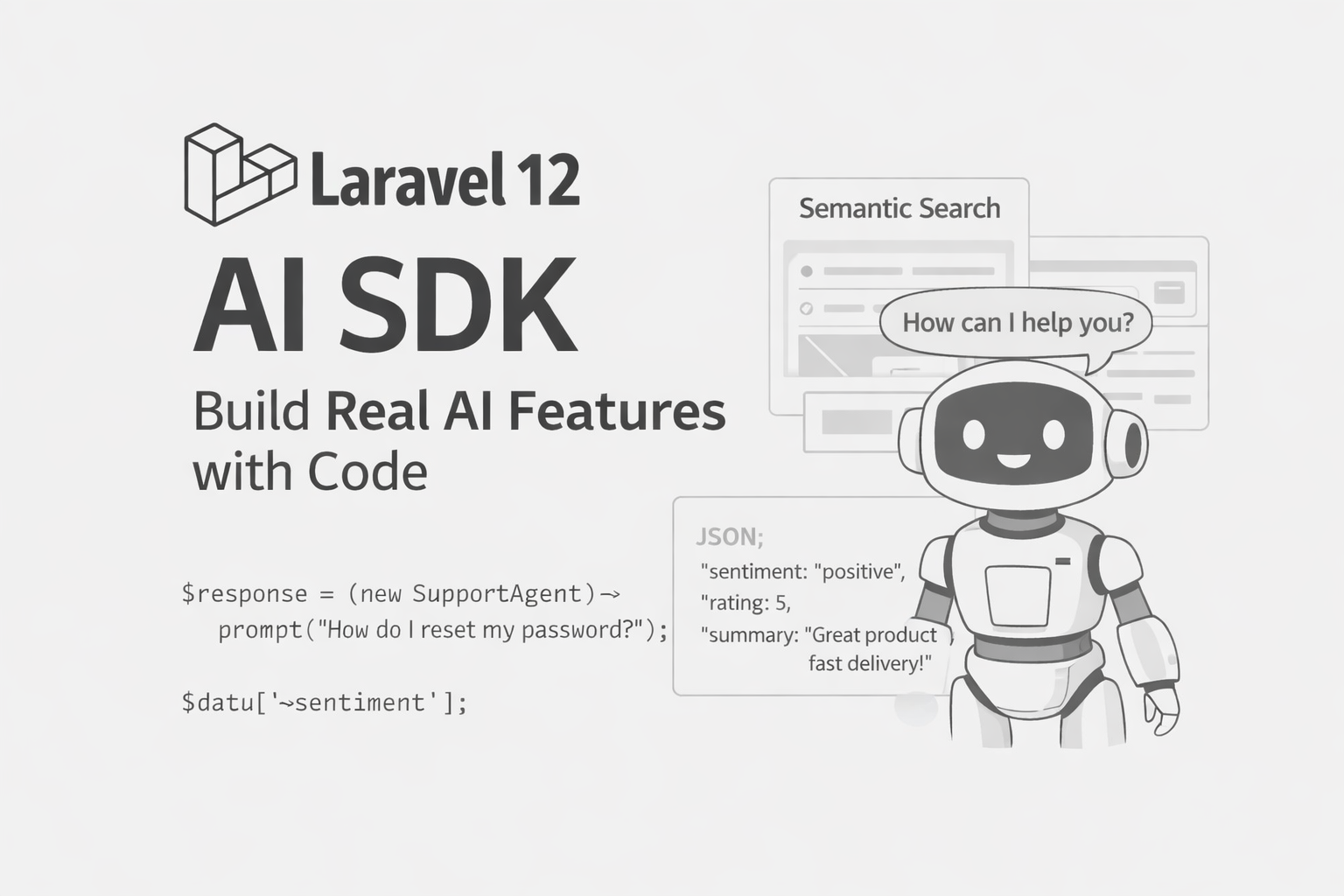
Laravel 12 ships with an official AI SDK that lets you build AI features using the same patterns you already know:
services, facades, agents, jobs, queues, tests.
No weird abstractions. No external glue code.
If you can write a Laravel controller, you can ship AI features.
Installation
composer require laravel/ai
php artisan vendor:publish --provider="Laravel\Ai\AiServiceProvider"
php artisan migrate
Add your provider key:
OPENAI_API_KEY=sk-xxxx
Laravel supports multiple providers, but we’ll use OpenAI in examples.
Agents: Your AI Logic Lives Here
Agents are reusable AI classes.
Think of them like Service classes with memory.
Create one:
php artisan make:agent SupportAgent
Basic Agent
use Laravel\Ai\Contracts\Agent;
use Laravel\Ai\Concerns\Promptable;

class SupportAgent implements Agent
{
    use Promptable;

    public function instructions(): string
    {
        return <<<TEXT
You are a customer support assistant for an ecommerce store.
Be polite, short, and helpful.
TEXT;
    }
}
Use it anywhere:
$response = (new SupportAgent)->prompt(
    'My order has not arrived yet'
);

echo $response->content();
Example 1: Customer Support Chatbot (With Memory)
Controller Example
class ChatController extends Controller
{
    public function send(Request $request)
    {
        $reply = SupportAgent::make(user: auth()->user())
            ->prompt($request->message);

        return response()->json([
            'reply' => $reply->content(),
        ]);
    }
}
Why This Is Powerful
- Laravel automatically stores conversation history
- Each user has contextual memory
- No Redis / vector DB setup needed
Example 2: Structured AI Output (JSON You Can Trust)
Let’s analyze product reviews.
php artisan make:agent ReviewAnalyzer --structured
Agent Code
use Laravel\Ai\Schema\JsonSchema;

class ReviewAnalyzer implements Agent
{
    use Promptable;

    public function instructions(): string
    {
        return 'Analyze the customer review.';
    }

    public function schema(JsonSchema $schema): array
    {
        return [
            'sentiment' => $schema->string()->required(),
            'rating' => $schema->integer()->min(1)->max(5)->required(),
            'summary' => $schema->string()->required(),
        ];
    }
}
Usage
$result = (new ReviewAnalyzer)->prompt(
    'The delivery was fast but packaging was damaged.'
);

$data = $result->structured();

$data['sentiment']; // mixed
$data['rating'];    // 3
$data['summary'];   // Short summary
💡 Perfect for dashboards, reports, and automations.
Example 3: Semantic Search with Embeddings (RAG)
Migration
Schema::create('documents', function (Blueprint $table) {
    $table->id();
    $table->text('content');
    $table->vector('embedding', 1536);
});
Saving Documents
use Illuminate\Support\Str;

Document::create([
    'content' => $text,
    'embedding' => Str::of($text)->toEmbeddings(),
]);
Searching by Meaning
$queryEmbedding = Str::of(
    'How do I reset my password?'
)->toEmbeddings();

$results = Document::query()
    ->whereVectorSimilarTo('embedding', $queryEmbedding)
    ->limit(3)
    ->get();
This works even if:
- No keywords match
- Text is phrased differently
Example 4: AI Knowledge Base (RAG + Agent)
class DocsAgent implements Agent
{
    use Promptable;

    public function instructions(): string
    {
        return 'Answer questions using provided documentation.';
    }
}
$docs = Document::searchByMeaning($question);

$answer = (new DocsAgent)->prompt(
    "Docs:\n{$docs}\n\nQuestion: {$question}"
);
Used for:
- Internal tools
- SaaS help centers
- Company knowledge bots
Example 5: Image Generation
use Laravel\Ai\Facades\Image;

$image = Image::of(
    'A clean SaaS landing page illustration'
)->generate();

$image->save(storage_path('app/landing.png'));
Use cases:
- Blog banners
- Marketing assets
- Placeholder images
Example 6: Speech → Text
use Laravel\Ai\Facades\Transcription;

$transcript = Transcription::fromStorage(
    'support-call.mp3'
)->generate();

echo $transcript->text();
Great for:
- Support calls
- Meetings
- Voice notes
Example 7: Text → Speech
use Laravel\Ai\Facades\Audio;

$audio = Audio::of(
    'Your order has been shipped!'
)->generate();

$audio->save(storage_path('app/tts.mp3'));
Testing AI (Yes, Really)
use Laravel\Ai\Facades\Ai;

Ai::fake([
    'Hello' => 'Hi! How can I help?',
]);

$response = (new SupportAgent)->prompt('Hello');

$this->assertEquals(
    'Hi! How can I help?',
    $response->content()
);
No API calls. No billing surprises.
When Should Laravel Devs Use AI SDK?
Use it when you need:
- Smart search
- Chatbots
- Content generation
- Summarization
- Voice features
- Data extraction
Avoid it when:
- Rules-based logic is enough
- Deterministic output is required
Final Thoughts
Laravel AI SDK doesn’t try to hide AI.
It makes AI feel like Laravel:
- Artisan commands
- Facades
- Testability
- Clean architecture
If you already build:
- APIs
- SaaS apps
- Admin panels
You can now add real AI features without leaving Laravel.
Comments
No comments yet. Be the first to comment!
Please log in to post a comment:
Sign in with GoogleRelated Posts
Laravel vs Node.js in 2026 — Which Should You Learn?
Laravel vs Node.js in 2026 — Which Should You Learn?
Kritim Yantra
Stop Learning Laravel Like This (Do This Instead) in 2026
Laravel 12 (2026) + ReactJS Integration: The Ultimate Beginner-Friendly Guide
Laravel 12 (2026) + ReactJS Integration: The Ultimate Beginner-Friendly Guide
Kritim Yantra